You approve your logo, everything looks sharp, and then the first real-world request lands in your inbox: “Can you send the logo in vector?” A printer wants one file, your web developer asks for another, and social media needs something with a transparent background. This is where most businesses realize a logo design is only half the job. The files are what make it usable.
If you have ever wondered why your logo comes in a folder full of strange extensions, this guide is for you. Here are logo file types explained for clients in plain English, with no design-school jargon and no guesswork about what to send.
Why logo files matter more than most clients expect
A logo is not one single file that works everywhere. The version that looks perfect on your website may fail completely on a business card, a flyer, a sign, or an embroidered uniform. Different uses need different file types because screens, printers, and production methods all handle artwork differently.
That is why professional logo delivery should always include a practical set of files, not just a pretty mockup. If your designer only sends a JPG pulled from a presentation, you are likely to run into quality problems fast. Blurry edges, white boxes around logos, poor print results, and sizing issues usually come back to the wrong file being used.
For small businesses especially, the right file package saves time and money. You do not want to pay someone to redraw your logo later because the original files were never set up properly.
Logo file types explained for clients: the two groups that matter
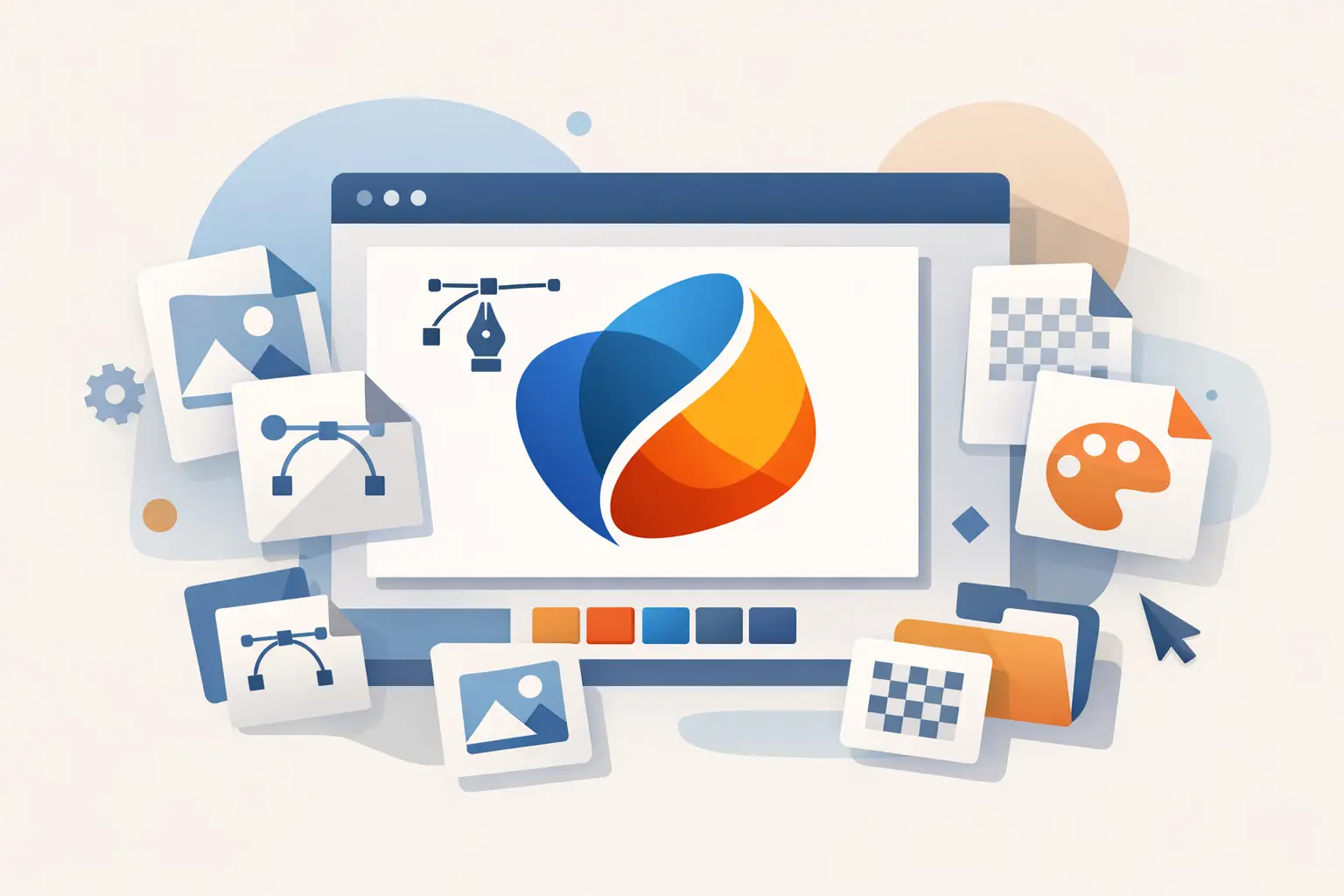
Most logo files fall into two categories: vector files and raster files. Once you understand that split, everything else gets easier.
Vector files
Vector logos are built from points, lines, and shapes rather than pixels. That means they can scale up or down without losing quality. A vector logo can work on a business card and a billboard using the same source file.
This is the file type printers, sign makers, and other production partners usually want. It is the master version of your logo.
Common vector file formats include AI, EPS, PDF, and SVG.
Raster files
Raster logos are made of pixels. They are useful for digital use, but they have size limits. If you enlarge them too much, they become soft or blurry.
Raster files are common for websites, social graphics, email signatures, and everyday office use. They are easy to open, but they are not always suitable for professional print production.
Common raster file formats include PNG and JPG.
The main logo file types and what each one is for
Let us break down the file types most clients receive and what they actually do.
AI – the working master file
An AI file is Adobe Illustrator’s native format. This is usually the original source file created by the designer. It is editable, scalable, and ideal for future updates.
Most clients will not open an AI file themselves, and that is fine. Its value is in keeping a clean master version of your logo for future design work. If you ever need your branding expanded into business cards, flyers, signage, packaging, or vehicle graphics, the AI file gives your designer a professional starting point.
EPS – the print-safe vector file
EPS is one of the most commonly requested logo formats for print. It is a vector file that works well across different design and production systems.
If a printer asks for a “vector logo,” an EPS file is often what they mean. It is dependable, scalable, and widely accepted. For many businesses, this is one of the most important files to keep stored safely.
PDF – the easy-to-share professional file
A PDF can be vector-based or raster-based, depending on how it is exported. For logo delivery, a properly prepared PDF is often useful because it is easy to preview and easy to share.
Some printers and vendors prefer PDF because it travels well between systems. It is not always the first-choice master file, but it is a practical backup and often a good handoff format.
SVG – best for websites and digital interfaces
SVG is a vector format built for digital use. Because it stays sharp at any size, it is excellent for websites, app interfaces, and responsive layouts.
If your web developer asks for SVG, that is usually a good sign. It means they want your logo to stay crisp on modern screens rather than relying on a fixed-size image.
PNG – great for everyday digital use
PNG is one of the most useful client-facing logo files because it can support a transparent background. That means you can place the logo over a website banner, document, photo, or colored background without a white box around it.
For social media graphics, email signatures, presentations, and general marketing use, PNG is often the right choice. It is not a replacement for vector files, but it is the format many business owners use most often day to day.
JPG – simple, common, but limited
JPG files are easy to open and share, which is why they are everywhere. They work fine for basic uses such as inserting a logo into a document or sending a quick preview.
The trade-off is that JPG does not support transparency, and repeated saving can reduce image quality. It is useful, but it is usually not the best file for polished brand applications.
Which file should you use and when?
This is where clients usually want a straight answer. If you are printing professionally, start with a vector file such as EPS or PDF. If you are working online and need flexibility, PNG or SVG is often the better option. If you just need to drop a logo into a simple document, a JPG may be enough.
The right file depends on the job. A restaurant printing menus, a property manager ordering signage, and a local trades business updating a Facebook cover may all need different formats from the same logo package.
That is why we treat logo delivery as part of the production process, not an afterthought. A good logo kit should match real business use, not just design theory.
What clients should expect in a professional logo package
A proper logo handoff should remove uncertainty. At minimum, clients should expect a set of logo files that covers print, web, and everyday use. That usually means vector files for production, transparent PNGs for flexible digital use, and standard image files for quick access.
It also helps to receive logo variations. For example, you may need a full logo, a stacked version, an icon-only mark, and both light and dark options. One version rarely fits every placement.
If your business is growing, this matters even more. The same logo might appear on a flyer this week, uniforms next month, and a website refresh later in the year. Clean, organized file delivery supports that growth without forcing you to start over.
Common mistakes that cause logo headaches
The biggest mistake is assuming any logo file will work anywhere. It will not. Sending a low-resolution JPG to a printer is one of the fastest ways to get poor results.
Another common issue is losing the master files. Many businesses save a logo from their website or pull it from social media and think that is the original. It is not. Those versions are usually compressed and limited.
There is also the transparency problem. If your logo appears with a white box around it, you are probably using a JPG when a PNG was needed. It is a small detail that can make a brand look unpolished fast.
A practical way to think about file delivery
Instead of asking, “What is this file type?” ask, “What job is this file built for?” That question usually gets you to the right answer quicker.
Your logo files should help you move faster, whether you are launching a new business card, sending artwork to a flyer printer, or updating your website header. A professional design partner should make that process clear from the start.
At Brandcrafter, that is part of the point of a structured logo kit. The goal is not just to create a strong mark, but to deliver it in a way that is practical, professional, and ready for real business use.
If you are reviewing logo files and feeling unsure, that does not mean you are behind. It just means nobody translated the production side properly. Once the files are organized and explained clearly, your brand becomes much easier to use with confidence.