A lot of business owners start the same way: they need a logo by Friday, Canva is open in one tab, and a quote from a designer is sitting in the inbox. That is exactly where the canva logo versus professional designer decision becomes real – not as a theory, but as a time, budget, and credibility choice.
Canva is fast. A professional designer is strategic. Neither option is automatically wrong. The better question is what your business needs this logo to do over the next 12 to 24 months.
Canva logo versus professional designer: what are you actually buying?
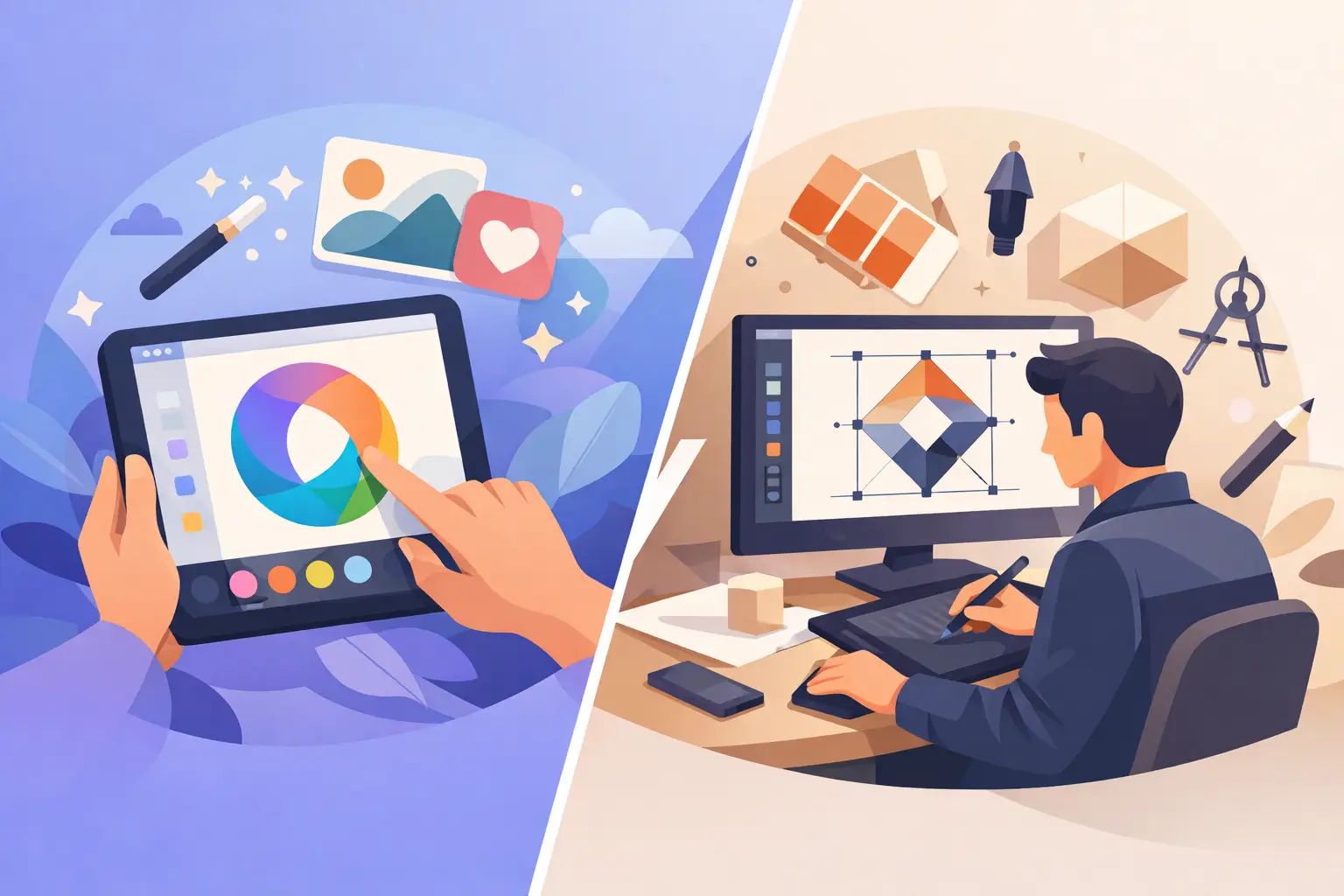
When you make a logo in Canva, you are usually buying speed, convenience, and control. You can choose a template, swap icons, test fonts, and leave with something usable in a short window. For a side project, a one-off event, or a business that is still validating its offer, that can be enough.
When you hire a professional designer, you are not just paying for a symbol. You are paying for judgment. That includes concept development, typography choices, visual hierarchy, brand fit, print readiness, file preparation, and consistency across real-world use. The logo is the output, but the thinking behind it is what gives it staying power.
This is where many comparisons go off track. They treat both options as if they produce the same thing in different wrappers. They do not. One is a design tool. The other is a design process.
The real advantage of Canva
Canva earns its popularity because it solves a genuine business problem. Small businesses often need something presentable now, not six weeks from now. If you are launching a weekend market stall, testing a new service, or putting together a quick social media presence, Canva helps you move.
It is also approachable. You do not need design training to make basic choices, and that lowers the barrier to entry for founders who are already juggling operations, sales, and admin. If the choice is between having no visual identity and having a simple temporary one, Canva can be a practical first step.
Cost matters too. For early-stage businesses with tight cash flow, Canva feels low-risk. You can experiment without a major upfront commitment. That flexibility is useful when your business name, offer, audience, or positioning is still shifting.
But speed and low cost are not the same as brand fit. A logo that looks fine on a screen at 300 pixels can fall apart on signage, uniforms, packaging, or printed collateral.
Where Canva starts to cost you
The main issue is not that Canva looks bad. The issue is that it often looks generic.
Templates are built for broad appeal. That makes them easy to use, but it also means your logo may borrow from the same visual language as hundreds of other businesses. If you are in a crowded local market – real estate, hospitality, trades, beauty, consulting, property services – that sameness works against you.
There is also the file problem. Many business owners do not think about file types until a printer, sign company, or web developer asks for them. A professional logo package usually includes organized exports for digital and print use, often in vector and high-resolution formats, plus variations for light backgrounds, dark backgrounds, small placements, and horizontal or stacked layouts.
A DIY Canva logo may not give you that level of production readiness. And even when the file exists, it may not be built cleanly for scaling. That becomes expensive later when someone has to redraw, rebuild, or fix it.
Then there is brand consistency. A logo is rarely the only thing you need. You also need business cards, flyers, social graphics, website visuals, maybe menus, signage, packaging, or promotional pieces. If the logo was made quickly without a clear brand system, every next asset takes longer and looks less coordinated.
What a professional designer does differently
A professional designer starts with business context. Who are you trying to reach? What do customers need to feel when they see your brand? Where will the logo appear most often? What are your competitors doing badly, and where can your business look more credible?
That process matters because a logo does not operate in isolation. It has to work on a business card, a flyer, a website header, a storefront sign, a truck door, or a social profile image. It needs to hold its shape at small sizes and stay clear in black and white when needed.
A good designer also filters decisions. That is more valuable than many clients realize. Too many options slow businesses down. A structured design process narrows the field, keeps revisions productive, and helps the final mark align with business goals instead of personal guesswork.
This is also where professionalism protects budget. Paying more upfront can save money if you avoid rebranding six months later, replacing printed materials, or patching together inconsistent assets one by one.
Canva logo versus professional designer: which one fits your stage?
If your business is still testing its market, Canva may be enough for now. That is especially true if the logo is a placeholder while you validate the offer, build initial traction, or launch on a limited budget. In that case, the smartest move is to treat it as temporary and avoid overcommitting to it across every asset.
If your business is customer-facing, locally competitive, and actively trying to look established, a professional designer usually makes more sense. The more your reputation depends on trust at first glance, the more design quality matters.
For service businesses, this is not cosmetic. Customers often judge reliability before they read a single word. If your logo and supporting materials look inconsistent or amateur, people may assume your service is the same.
That does not mean every company needs a complex agency engagement. It means your branding should match your growth plans. If you need a logo, business card, and flyer to work together quickly and cleanly, a structured studio process is often the more practical path.
The trade-off most people miss
Many people compare Canva and a professional designer on price alone. The more useful comparison is decision quality.
Canva asks you to be the strategist, art director, editor, and production manager. That works if you have a strong eye, clear brand direction, and time to test options carefully. Most business owners do not.
A professional designer reduces uncertainty. You get guidance, defined revision rounds, clear deliverables, and files prepared for actual business use. That is not just convenience. It is risk reduction.
For businesses that value speed and structure, the best design partner is not one that makes the process feel mysterious. It is one that makes it controlled. That is why a framework matters. A studio like Brandcrafter, for example, builds around a process that is personal, practical, and professional, so clients are not left guessing what happens next or what files they will receive.
How to choose without overthinking it
Ask yourself three direct questions.
First, is this logo temporary or foundational? If it is temporary, Canva can do the job. If it is foundational, get it built properly.
Second, where will this logo need to work? If the answer includes print, signage, uniforms, websites, flyers, business cards, and social media, you need more than a quick graphic. You need a brand asset system.
Third, how expensive is a weak first impression in your industry? For some businesses, not much. For others, one lost customer, one failed proposal, or one forgettable storefront is already more costly than doing the logo right.
The smartest decision is not always the cheapest one today. It is the one that supports the next stage of business without forcing a rebuild.
If you need something fast to get moving, Canva is a useful tool. If you need branding that can carry your business across real customer touchpoints, a professional designer is usually the better investment. The difference is not just how the logo looks on launch day. It is how confidently your business shows up after that.