
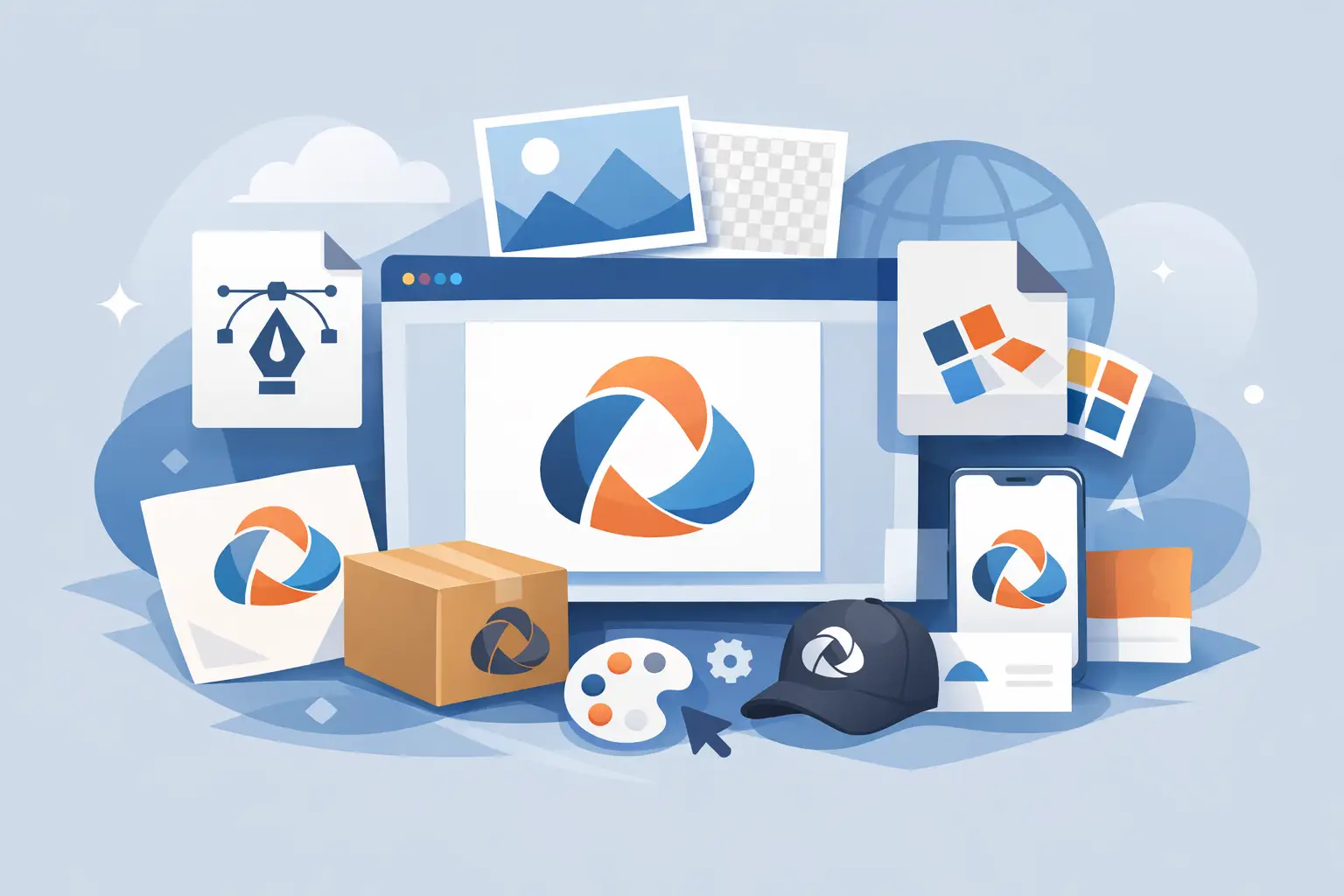
A logo can look perfect in the approval stage and still cause problems a week later. The usual issue is not the design itself. It is the file package. If you do not have the best logo file types for the way your business actually operates, your brand starts breaking down across print, web, signage, email signatures, uniforms, and social media.
For most businesses, the goal is simple: one logo system that works everywhere without guesswork. That means knowing which files are built for scale, which ones are built for speed, and which ones should never be used as your master source. If you get this right early, every future job becomes faster, cleaner, and less expensive.
What makes the best logo file types?
The best logo file types are the ones that match real-world use, not just design software preferences. A restaurant needs files for menus, signage, delivery apps, and social posts. A property business needs files for boards, brochures, uniforms, and website headers. A local service company needs something that works on vans, business cards, invoices, and online listings.
That is why there is no single best format for every situation. There is, however, a best set of logo file types. A practical logo package should include vector files for production, raster files for everyday digital use, and transparent versions for flexible placement on different backgrounds.
If a designer sends only one or two file types, you are not getting a complete handoff. You are getting a short-term convenience file, not a brand asset system.
Vector vs raster: the decision that affects everything
Before choosing formats, it helps to understand the two core file categories.
Vector files are built from paths, not pixels. That means they can scale up or down without losing quality. If your logo needs to go from a business card to a storefront sign, vector is essential. These are the files sign makers, printers, embroiderers, and professional designers usually want.
Raster files are pixel-based. They are useful for websites, social media, presentations, and everyday office use. But they have limits. If you enlarge a raster logo too much, it becomes soft or visibly pixelated.
This is the practical rule: vector files are your source files, and raster files are your convenience files. You need both, but they do different jobs.
Best logo file types and when to use them
AI and EPS for professional production
AI and EPS are two of the most important vector formats in a logo package. If you are working with a professional printer, sign company, or another designer, these are often the safest files to provide.
AI is the native Adobe Illustrator file. It preserves editable vector artwork and is ideal when future design updates are likely. EPS is a more universal vector format that many production vendors can open, even if they are not working directly in Illustrator.
If you are choosing between the two, it depends on who will use the file. AI is better for ongoing design control. EPS is better for broad compatibility. In many cases, having both is the most practical option.
PDF for easy sharing without losing quality
PDF is one of the most underrated logo formats. A properly exported PDF can retain vector quality, which makes it useful for proofing, sharing, and many print applications.
It is often the easiest file for a client to open and forward. That matters when a staff member needs to send the logo to a uniform supplier or event printer without digging through design software. PDF is not always the master editable file, but it is one of the most useful handoff formats in a business setting.
SVG for web and responsive digital use
SVG is a vector format built for digital environments. It is especially useful for websites because it stays crisp at different screen sizes and resolutions.
If your logo will appear in a website header, on landing pages, or inside a digital platform, SVG is one of the best logo file types to keep on hand. It also tends to load efficiently while maintaining sharp edges.
There is one trade-off. Not every office user knows how to work with SVG, and some legacy platforms handle it poorly. For web teams and developers, it is excellent. For general day-to-day office use, PNG is usually easier.
PNG for transparency and everyday digital use
PNG is one of the most commonly requested logo files because it supports transparent backgrounds. That makes it useful for websites, social graphics, email signatures, slide decks, and documents where the logo needs to sit cleanly over a colored or photographic background.
For most businesses, a high-resolution PNG is non-negotiable. It is often the file staff use most.
The limitation is scale. PNG is still a raster format, so while it can look excellent at the size it was exported, it is not the file you want for large-format printing or future redesign work.
JPG for simple placements and lightweight sharing
JPG works well for basic digital use when transparency is not needed. It is common for profile images, internal documents, and low-friction sharing.
That said, JPG is not usually the strongest logo format. Compression can reduce quality, and the lack of transparency limits flexibility. It is helpful to have, but it should not be your primary file.
Which logo files should a business actually ask for?
A solid logo delivery should not feel vague. You should know exactly what is included and what each file is for. For most small to mid-sized businesses, the practical set looks like this: AI or EPS for professional production, PDF for sharing and print-friendly use, SVG for web, PNG with transparent background for everyday digital use, and JPG for simple general-purpose applications.
Beyond file type, you also need variations. A complete package should include full-color, black, and white versions, plus horizontal and stacked layouts if your logo system uses more than one orientation. If your logo includes a symbol and a wordmark, ask for each version separately as well.
This is where many businesses lose time. They receive one logo lockup in one format, then discover it does not fit a social profile, embroidered shirt, or narrow website header. A complete file set prevents those bottlenecks.
The file types that matter most for print
Print has less tolerance for shortcuts. If you are producing signage, packaging, business cards, brochures, flyers, or branded merchandise, vector files matter most.
EPS, AI, and print-ready PDF are typically the strongest options. They keep edges sharp and allow accurate scaling. If spot colors or special print processes are involved, vector artwork also gives your production partner more control.
Using a PNG or JPG for professional print can work for some small jobs, but it depends on resolution, placement size, and print method. For anything customer-facing, relying on raster files is a risk you do not need to take.
The file types that matter most for web and social
For web use, SVG and PNG do most of the heavy lifting. SVG is ideal when your site needs crisp performance across desktop and mobile. PNG is the easy-use backup for platforms, templates, and staff who just need the logo to work.
For social media, PNG is usually the safest format because of transparency and broad platform support. JPG can be acceptable for cover graphics or situations where the logo sits on a fixed background, but it is rarely the best choice for a master social asset.
If your team updates promotions regularly, keeping organized folders for web, social, and print versions will save time. That kind of structure is part of good brand delivery, not an extra.
Common mistakes when choosing logo files
The biggest mistake is treating the logo as a single file instead of a system. The second is assuming a file that looks fine on screen will also print well at scale.
Another common issue is losing track of the original vector artwork. Once that happens, every future update becomes slower and more expensive. Businesses often end up redrawing a logo they already paid for simply because the correct source files were never supplied.
There is also the transparency problem. If your only logo file has a white background baked in, it will create awkward boxes on websites, ads, and branded materials. That is why transparent PNG files are so useful in day-to-day marketing.
A practical standard for logo delivery
If you want a logo package that supports real business growth, ask for more than a pretty final mark. Ask for production-ready files, digital-ready files, clear variations, and a delivery structure your team can actually use.
At Brandcrafter, that kind of clarity matters because branding should reduce friction, not create it. The best logo file types are the ones that keep your business moving, whether you are printing 500 flyers, launching a website, or updating your storefront.
A good logo earns attention. A good file package keeps it usable long after launch.